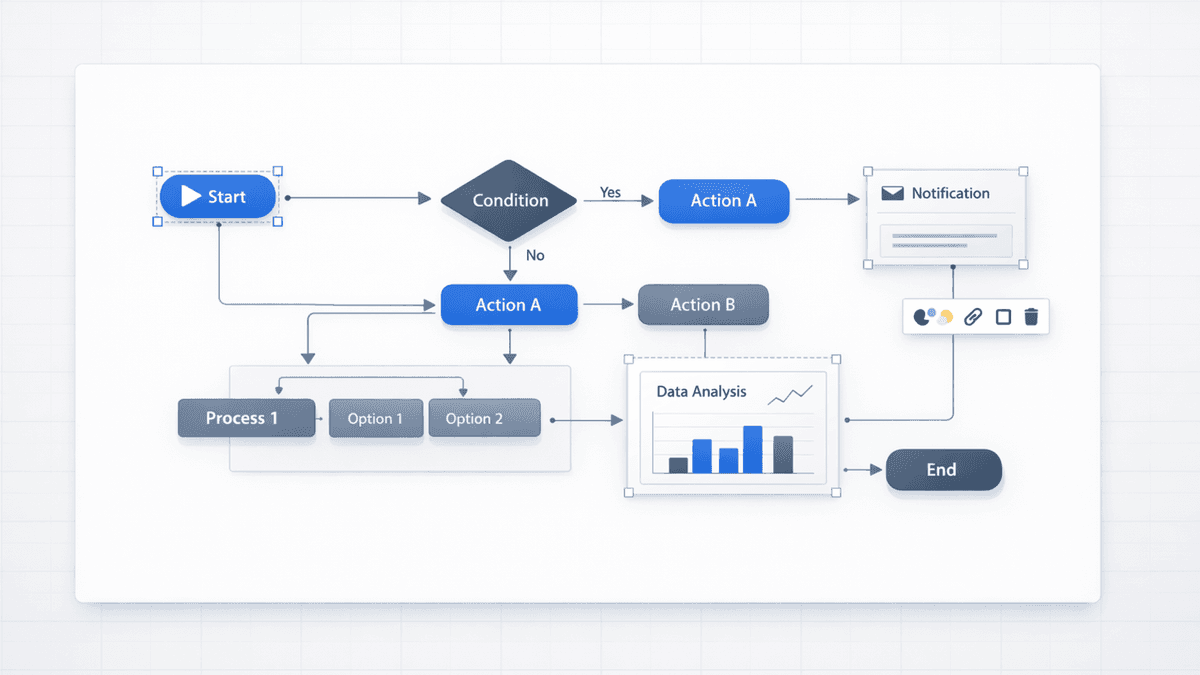
Nano Banana Pro is an AI image model often used for presentation-style visuals—diagrams, charts, frameworks, and infographics where layout and text legibility matter.
In plain terms: it’s the kind of model you reach for when you need a slide graphic that looks structured and readable, not just “pretty.”
Want to use it in a workflow where you can refine slides before export?
Open TwoStepHero, choose template/theme, and set image model to Nano Banana
Generate the deck
Export .pptx and finalize in Presentia Edit mode before export
Tip: In your prompt, name the exact visual format you want (“2×2 matrix”, “timeline”, “pipeline funnel”, “org chart”). That improves results more than adding extra adjectives.
It depends on where you access it (different products and plans can bundle it differently). If you want to test it end-to-end for slide creation plus refinement/export workflow, Presentia offers a 7-day trial.
Is Nano Banana Pro the same thing as “Gemini 3 Pro”?
You’ll often see Nano Banana Pro discussed alongside Gemini 3 Pro because it’s associated with that family of models. The naming varies by platform, but the practical takeaway is the same: it’s a model optimized for clean, structured visuals.
Is Nano Banana Pro better than DALL‑E or Midjourney?
For slide diagrams and labeled visuals, it’s often a better starting point. For creative hero imagery, Midjourney and DALL‑E can be a better fit.
What’s the best way to prompt Nano Banana Pro for slides?
Name the slide format and constraints:
“Bar chart with labeled axes…”
“5-step flow with arrows…”
“2×2 matrix with axes labeled…”
Then add style guidance (minimal, white background, brand accent color).