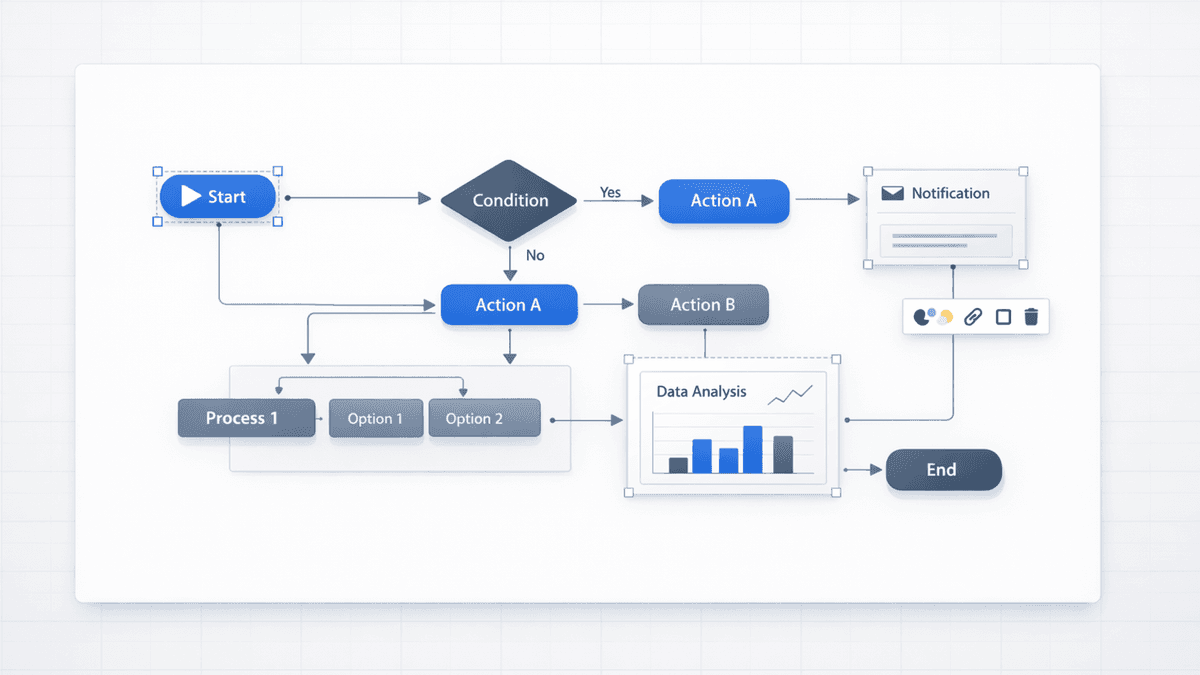
Current Presentia Workflow (Updated February 24, 2026)
Current workflow checkpoints
Step
Where in UI
What happens
1. Input
TwoStepHero
Prompt or document text is prepared for generation.
2. Generation
/generate
Slides are created progressively with visible generation progress.
3. Finalize
Edit/Preview + Export
Refine in Edit mode, then export PPTX or PDF from the toolbar.
Key points visual: team workflow shift toward editable presentation delivery.
Gamma vs Presentia (Which One Fits Your Workflow?)
What you care about
Gamma
Presentia
Web-native decks and fast sharing
Strong
Good
Editing in Presentia before export
Limited
Strong
Diagram-heavy / data visuals
Good
Strong with Nano Banana Pro
Brand-precise edits in the final file
Harder
Easier in .pptx
Hand-offs to clients/teammates in PowerPoint
Can be frustrating
Designed for this
Why Teams Look for a Gamma Alternative
1) You Need a Repeatable .pptx Workflow (Not Just a One-Off Export)
Gamma’s web format looks great, but teams often hit friction when they need to:
Apply a brand template consistently
Rework a diagram (move steps, relabel axes, recolor one element)
Hand the file to someone who only uses PowerPoint
If you do serious iteration, doing that refinement in Presentia Edit mode before export saves hours.
2) Your Decks Need Better Diagram-Style Visuals
Many presentations rely on structured visuals:
Flowcharts and processes
2×2 matrices
Roadmaps and timelines
Charts with readable labels
Nano Banana Pro is popular because it tends to produce cleaner “slide graphics” for these use cases.
3) You Want a Simpler “Generate -> Refine -> Export” Loop
The fastest workflow is:
Generate a solid draft
Export .pptx
Finalize in Presentia Edit mode before export
If step 3 is painful, your tool isn’t aligned with your actual workflow.
Why Presentia Is a Common Switch
Presentia is built around two things Gamma teams often want:
Nano Banana Pro (4K) visuals for diagram-style slides
.pptx export from /generate after in-app refinement
In other words: AI gives you the draft, and Presentia Edit mode finishes the deck before export.
Three Real Scenarios Where Presentia Helps
1) Investor pitch decks with last-minute edits
Numbers change. Labels change. Slide order changes. If visuals are locked, you either regenerate or manually rebuild. A refine-before-export workflow keeps teams moving.
2) Client work with strict brand rules
When you need specific hex colors, exact spacing, and a template that must be followed, you need a workflow where those refinements happen before export.
Frameworks, flows, roadmaps, and charts are where many AI tools fall apart. Nano Banana Pro visuals + in-app refinement before export is a strong combination for these decks.
How to Switch from Gamma to Presentia
Here’s a simple 15-minute evaluation:
Pick one of your real Gamma topics (a deck you actually make)
Generate the same deck in Presentia with Nano Banana Pro enabled
Export .pptx from /generate and run a final file review
Try five edits:
Change one chart label
Recolor one shape to a hex value
Move steps in a process diagram
Apply your theme fonts/colors
Hand the file to a teammate to edit
If those edits are easy, you’ve found a better long-term workflow.
Frequently Asked Questions
Is Presentia “better than Gamma” for everyone?
No—Gamma is excellent for web-first decks and fast sharing. Presentia tends to win when /generate refinement and .pptx hand-offs matter.
What if I want to keep Gamma for some work?
That’s common. Many teams keep Gamma for quick internal decks and use Presentia for client-facing or .pptx-heavy work.
Will my existing Gamma decks break?
No. You can leave them as-is and start using Presentia for new decks.
Is Presentia’s trial actually free?
Yes. It requires a credit card to start, but you won’t be charged until the trial ends. You can cancel before then.
What should I test during the trial?
Export one deck and focus on editability: labels, colors, layout, and hand-offs. If those are smooth, you’ll save time on every deck going forward.